



Creating a productive home workspace can make a big difference in how efficiently you work and how comfortable you feel while doing it. Whether you are working remotely, freelancing, or simply managing tasks from home, having a dedicated area that inspires focus and organization is essential. Below, we’ll walk through practical tips to help you design a home office that supports your productivity and well-being.
Why a Dedicated Workspace Matters
Working from the couch or your kitchen table might seem convenient, but these spots can be full of distractions and are usually not ergonomically friendly. A dedicated workspace helps your brain switch into “work mode,” improves posture, and often increases motivation. Creating boundaries between work and leisure also helps maintain a better work-life balance.
Choose the Right Location
Start by finding the best spot in your home for your workspace:
– Natural Light: Select a space near a window to benefit from natural light, which can reduce eye strain and enhance mood.
– Quiet Area: Pick a quiet corner or room where household noise is limited.
– Separate Space: If possible, avoid using your bedroom or living room for work. Having a distinct area signals to your mind when it’s time to focus.
Invest in Ergonomic Furniture
Comfort is key to sustained productivity:
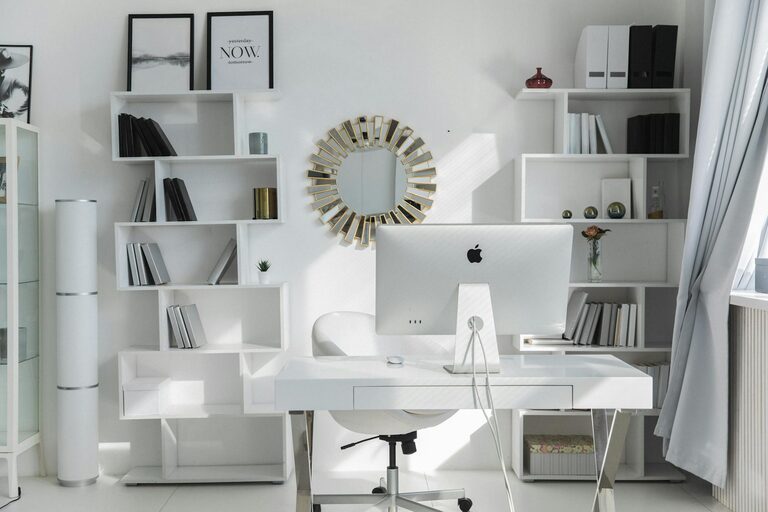
– Desk: Choose a desk that fits your space and provides enough surface area for your computer, paperwork, and other essentials.
– Chair: An ergonomic chair with good back support encourages good posture and reduces fatigue.
– Adjustability: Consider adjustable desks or chairs if you want to alternate between sitting and standing.
Organize Your Tools and Supplies
Keeping your workspace tidy and organized helps reduce distractions:
– Storage Solutions: Use shelves, drawers, or organizers for pens, notepads, chargers, and other items.
– Cable Management: Tidy up cords with clips or cable organizers to prevent clutter.
– Minimalist Approach: Keep only what you use daily on your desk to avoid mental overload.
Optimize Your Technology Setup
Efficient tech setup supports smoother workflow:
– Reliable Internet: Ensure a stable internet connection for video calls and cloud-based work.
– Quality Equipment: Invest in a good computer, headphones, webcam, and keyboard/mouse.
– Monitor Arrangement: Use an external monitor or set up your screen at eye level to prevent neck strain.
Personalize Your Workspace
Adding personal touches can make your space inviting and motivating:
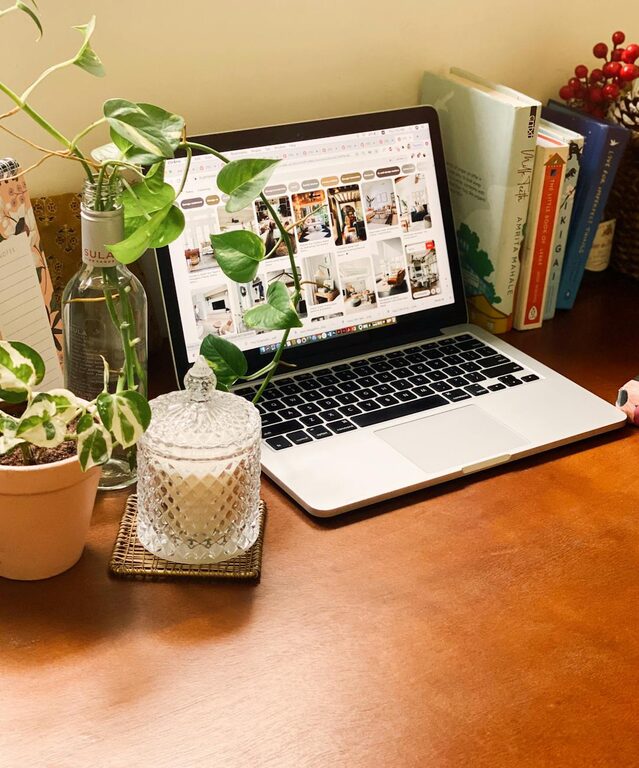
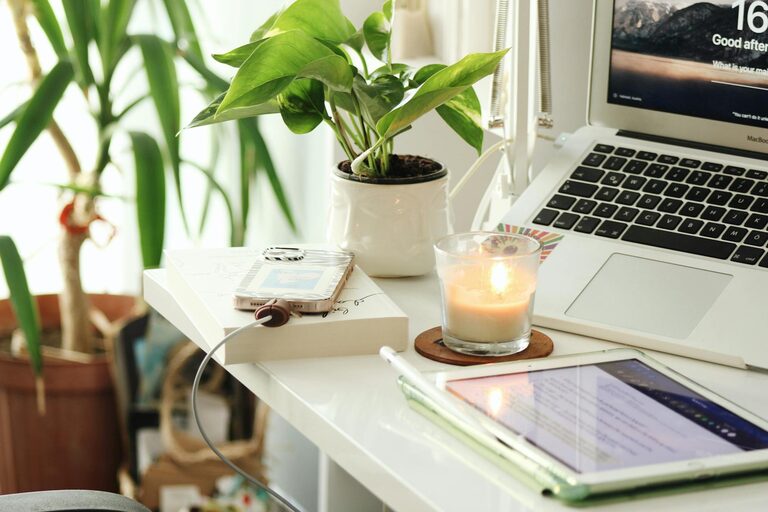
– Plants: Small indoor plants improve air quality and add a touch of nature.
– Inspirational Items: Photos, artwork, or meaningful objects can boost your mood.
– Lighting: Use adjustable task lighting to reduce eye strain and create a cozy atmosphere.
Set Boundaries and Routines
Establishing clear work routines helps maintain focus:
– Work Hours: Define a start and end time for your workday.
– Breaks: Schedule short breaks to stretch and refresh your mind.
– Signal Work Time: When you are working, make it known to family members or housemates to minimize interruptions.
Keep Your Workspace Clean
A clean workspace contributes to a clear mind:
– Daily Tidying: Spend a few minutes at the end of each day organizing your desk.
– Regular Decluttering: Periodically clean out unnecessary papers and items.
– Sanitize: Keep your area hygienic, especially if you share the space.
Manage Distractions
Minimizing distractions can increase your focus:
– Noise Control: Use noise-cancelling headphones or soft background music if you’re in a noisy environment.
– Phone Settings: Silence non-essential notifications during work hours.
– Clear Workspace: Keep your desk free from unrelated items that may divert your attention.
Additional Tips for Productivity
– Use a Planner: Digital or paper planners can help keep track of tasks and deadlines.
– Set Daily Goals: Break your work into manageable tasks.
– Healthy Habits: Drink water regularly and maintain good posture.
– Comfortable Temperature: Keep your workspace at a comfortable temperature for better concentration.
—
By applying these simple tips, you can create a home workspace that not only enhances your productivity but also provides comfort and inspiration. Remember, the key is to find what works best for your needs and adapt your environment accordingly. With a well-designed workspace, working from home can become an enjoyable and efficient experience.